🌊 What is “Liquid Glass”? Apple’s Biggest Redesign Ever
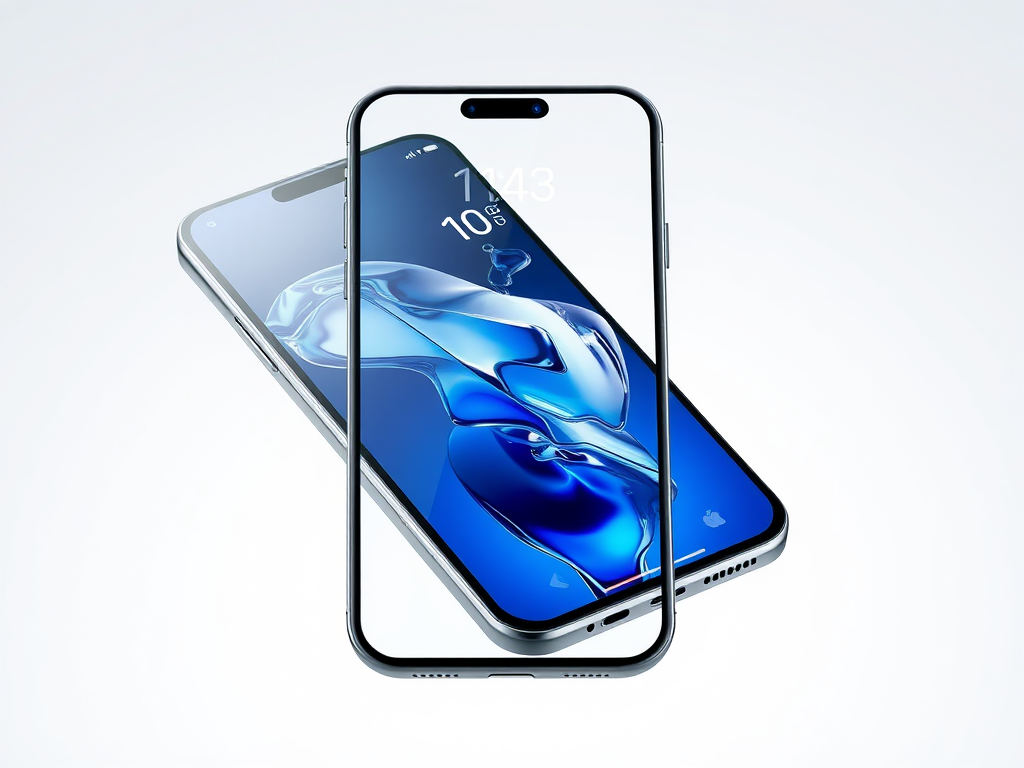
- Apple gave the iPhone a totally new look called Liquid Glass.
- It looks shiny, smooth, and see-through like real glass.
- This new design will work across all Apple devices — even maybe future smart glasses!
👎 What’s Wrong? Users Say It’s Hard to Read
- Text is too light or blurry in many parts of the new design.
- Notifications and music info can be very hard to read with bright backgrounds.
- Even Apple’s own pictures show unclear text — not a great sign!
🧪 Still in Beta: Not the Final Version Yet
- The version out now is just a test for developers.
- Apple still has time to fix the problems before the full release.
👁️ Design Looks Good, But Not Easy on the Eyes
- Control Center is messy — you can barely see what’s behind it.
- Bright wallpapers make white text almost disappear.
- Could be tough for everyone, not just people with vision issues.
✨ The Good Stuff: Glassy Icons & Cool Effects
- New icons look beautiful and shiny.
- Buttons and backgrounds morph and blur like real glass.
- Tiny touches show Apple put effort into this new style.
🔋 Will It Drain My Battery?
- Some are worried the new look will use more power.
- Apple says new chips and tech can handle it.
- You’ll be able to turn off fancy effects if you want to save battery.
🤖 Where’s the AI Magic? Still Behind the Competition
- Apple talked about smarter Siri and AI, but it’s still not impressive.
- Siri is behind Google and Microsoft’s AI assistants.
- Apple is upgrading slowly, while others are moving faster.
🛡️ Privacy First – But Slower AI
- Apple protects your privacy and doesn’t collect much personal data.
- That’s good for safety, but it means Apple’s AI is less personalized.
- Apple even added ChatGPT to help Siri — a big step for them.
📉 WWDC Felt a Bit Disappointing
- Many people expected something big at Apple’s event.
- But there were no major surprises in AI or new devices.
- Some say Apple is falling behind rivals like Meta and Google.
📞 Cool New Features You’ll Actually Use
- Call Screening: Your iPhone asks who’s calling before it rings.
- Hold Assistant: Your phone stays on hold for you and alerts you when someone answers.
- Safari, Camera, and CarPlay got cleaner, modern designs.
🔢 Why is it Called iOS 26 — Not iOS 19?
- Apple jumped to iOS 26 to match the year 2026.
- This helps keep names simple and easy to remember.
- Other Apple software (like macOS) is also using year-based names now.
📅 When Can I Get iOS 26?
- iOS 26 is expected to launch on September 16, 2025.
- It will come out right after the iPhone 17 is released.
At CuT YouR EgO, we strive to deliver news that is relevant, concise, and packed with all the essential information—without the clutter. If you find value in what we do, we’d truly appreciate your support by sharing our work. We’re doing this out of passion, with the hope of turning it into something both meaningful and sustainable. #RAP
Reference Taken:-
- https://economictimes.indiatimes.com/news/new-updates/ios-26-check-release-date-full-list-of-supported-iphones-new-features-and-why-apple-skipped-ios-19/articleshow/121745238.cms?from=mdr
- https://indianexpress.com/article/explained/explained-economics/apple-ai-lag-liquid-glass-design-updates-wwdc25-10058284/
- https://techcrunch.com/2025/06/10/love-it-or-hate-it-apples-new-liquid-glass-design-is-getting-mixed-reviews/

 A CuT of Something
Leave a Reply